
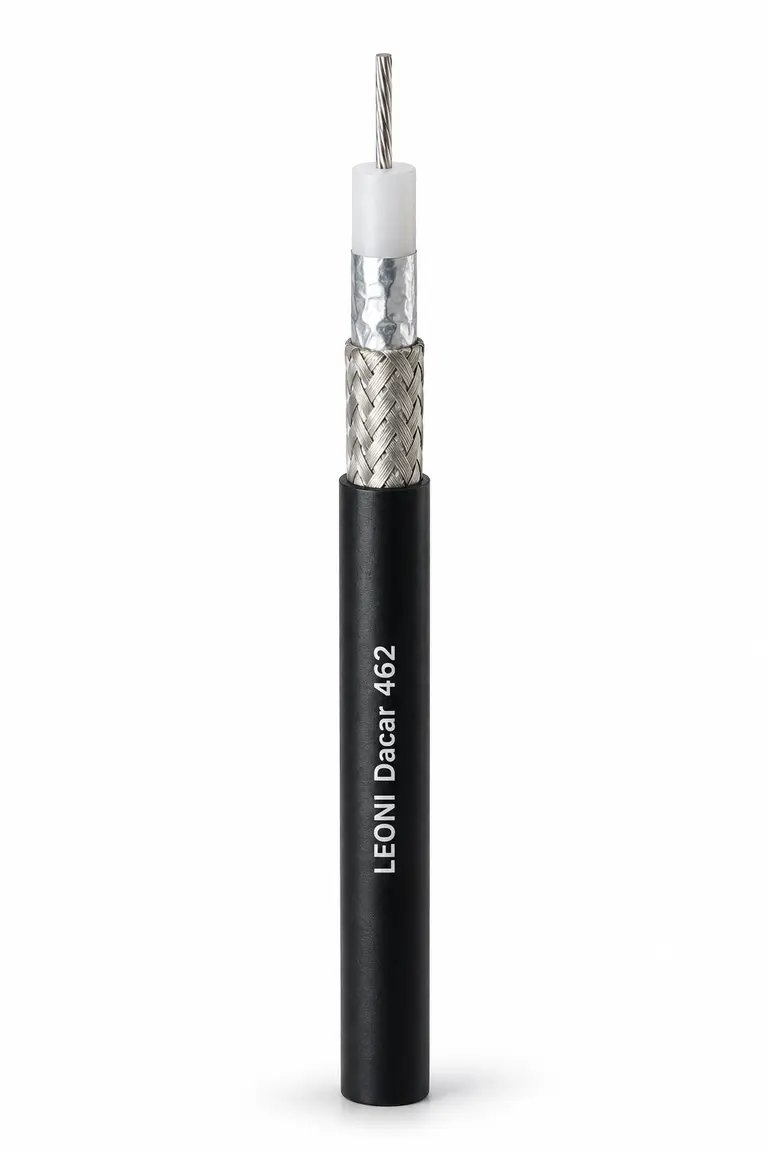
Choosing a camera cable starts with understanding the signal it needs to carry. Resolution is one part of the brief; the camera interface, harness length, connectors and installation route also shape the choice.
LEONI Dacar covers both coaxial and multi-core data cables. That gives engineers a range to work with, but makes the exact construction important. Here is a practical way to narrow the selection.
1. Start with the camera interface
Ask for the serializer and deserializer part numbers, link generation and operating data rate. GMSL and FPD-Link systems can use coaxial or differential cable, depending on the devices and configuration.
A 50 Ω coaxial link needs a different cable construction from a 100 Ω differential link. Match the cable and connector system to the electronics before comparing Dacar type numbers.
2. Check performance over the full length
Insertion loss describes how much signal is lost through the link. Return loss describes reflections caused by impedance discontinuities. Both matter, and should be assessed across the frequency range specified for the interface.
Review the complete channel, including connectors, PCB transitions and any intermediate joints. A cable that works on a short bench setup still needs validation at the longest intended length and under the relevant operating conditions.
3. Use documented examples to build a shortlist
Texas Instruments’ FPD-Link III cable guide includes a 15 m Dacar 462 assembly with FAKRA connectors as a coaxial example, alongside a Dacar 535 assembly with HSD connectors for a differential example. These are useful references when discussing a design, rather than universal approvals for other interfaces or speeds.
For a new project, ask HB Cables for the current datasheet and exact orderable reference. Compare its electrical characteristics with your camera system’s channel requirements.
4. Account for the installation
A compact harness route and a moving installation create different demands. Give the cable supplier the conditions it will actually see, especially around hinges, mirrors or other moving parts.
| Check | Include in your brief |
|---|---|
| Routing | Maximum outer diameter, available space and bend radius |
| Movement | Static routing or repeated flexing, with the expected motion |
| Environment | Temperature range, fluids, abrasion and exposure |
| Termination | Connector family and approved cable dimensions |
| Camera power | Power-over-coax requirement, voltage and current where applicable |
Flexibility should be assessed for the intended installation. For example, LEONI’s Dacar 302-4 datasheet calls for validation for static and dynamic installation and asks customers to provide their specific flexibility requirements.
5. Give HB a complete camera cable brief
To help us shortlist suitable Dacar types, send the camera interface and device references, maximum cable length, connector details and installation conditions. Include the annual quantity, sample requirement and target production date.
Where you are replacing an existing cable, share its datasheet and any known validation results. That gives us a stronger starting point for comparing constructions and checking supply options.
Discuss your camera cable requirement
HB Cables is the exclusive UK distributor and stockholder for LEONI Cable Solutions. We can help you review Dacar references, obtain the relevant datasheet and check availability for your required length.
Speak to HB Cables